Run Preview Demo
Prerequisites
Before running preview demo, you first need to:
-
Install AVT SDK on your device:
See AVTSDK Environment Setup for details. The installation script will install everything you need.
-
Connect the cameras to the device
-
Connect the monitor to the device
Run the Demo
This demo demonstrates how to display live video from a selected camera on a monitor.
Steps
-
Create a script
init.shto configure the Wayland display environment for the demo:Then you can source the script in your terminal:
-
Run the preview demo application. The application is installed to
/usr/bin, so you can run it directly with the following command: -
The application will prompt you to select the camera device, as well as its format, resolution, and framerate, one by one. You may select each setting according to your preference.
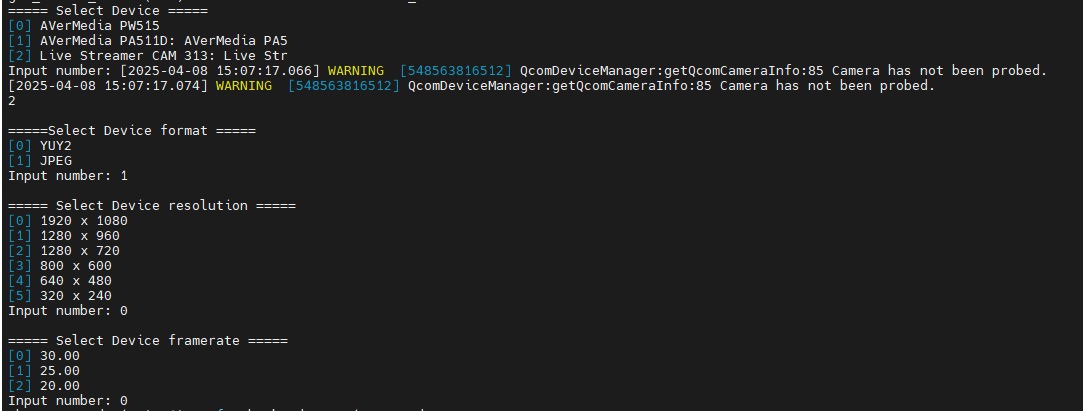
Settings for the camera.
-
Live video from the selected camera will be displayed on the monitor.